Packing Bakery Orders: Why Using Invoices Leads to Mistakes (and What to Do Instead)
Learn why invoices make wholesale bakery packing harder, and how a container-based bakery packing workflow helps teams pack faster with fewer delivery mistakes.
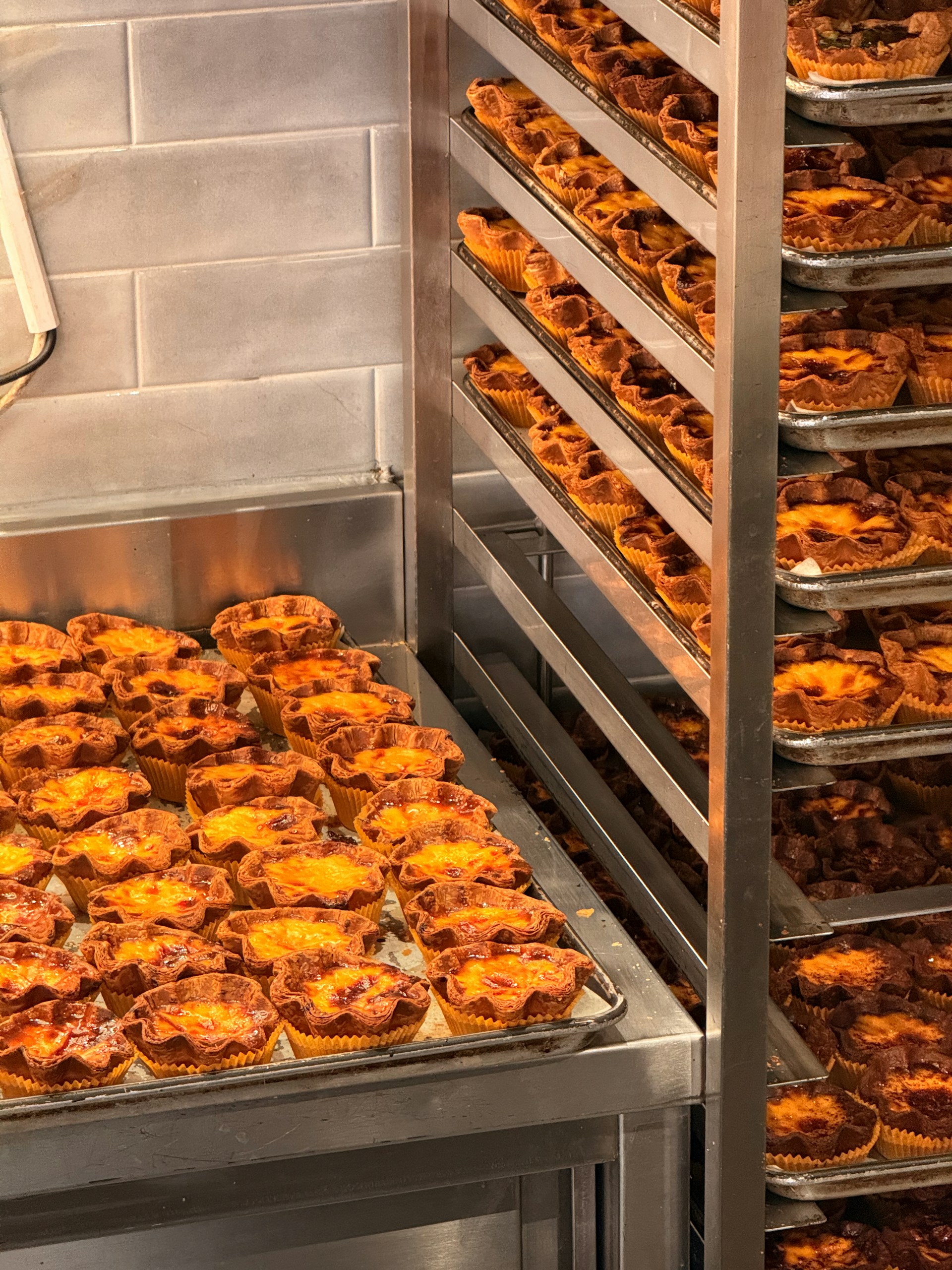
The packing table is full. Printed invoices are stacked beside the boxes. Someone has crossed out a few quantities by hand. Another person is trying to figure out whether the extra rye loaves go in the first box, the second box, or the tote for tomorrow’s route.
Nothing about this is unusual.
Many bakeries with wholesale customers pack orders from invoices because invoices are already there. They list the customer, the items, and the quantities. At first, that feels good enough.
But invoices are billing documents. They are not built for the packing floor.
That difference matters. A good bakery packing workflow should tell the team what goes in each physical container, where that container is going, and whether the order is complete. An invoice usually tells the office what the customer should pay.
Those are related jobs, but they are not the same job.
For the larger order workflow, see the complete guide to managing wholesale orders in a bakery.
Why invoices feel useful at first
Invoices become packing sheets for a practical reason: they already contain order details.
If Riverside Cafe ordered 12 sourdough loaves, 8 baguettes, and 24 croissants, the invoice will show those line items. Someone can print it, hand it to the packing team, and say, “Pack this.”
That can work when orders are small, boxes are simple, and one person handles the whole process from start to finish.
It starts to break when wholesale volume grows.
The invoice may list everything the customer bought, but it does not answer the questions a packer needs in the moment:
- Which box does this item go in?
- How many boxes should this customer have?
- Has box 1 been packed already?
- Is this order split across multiple containers?
- Is this invoice current after the latest order change?
- Can another person help without duplicating work?
When the packing workflow depends on those answers, invoices create more checking than clarity.
The problem: invoices are organized for billing, not boxes
An invoice is usually organized around what the customer owes.
That means line items, prices, taxes, dates, and billing details. Those details matter for the office. They do not help much when someone is standing beside a stack of containers trying to pack quickly before delivery.
Packing is physical.
The work happens box by box, tote by tote, rack by rack. If a customer’s order does not fit in one container, the team needs to know how the order should be split. If several people are packing at once, each person needs a clear unit of work.
An invoice does not naturally provide that.
So the team invents a workaround:
- Circle items on the invoice.
- Cross out packed quantities.
- Write “box 1” and “box 2” by hand.
- Add sticky notes for special cases.
- Put the invoice inside one box and hope the other boxes stay with it.
- Ask the same person to check everything at the end.
That is not a people problem. It is the wrong document doing the wrong job.
How packing from invoices creates mistakes
Packing errors usually do not come from one dramatic failure. They come from small points of confusion.
A customer has more product than fits in one box, but the invoice does not say how many boxes there should be. One packer starts the breads. Another starts the pastries. Both are working from the same invoice, so someone has to coordinate every item manually.
A late order change gets added to the invoice but not the printed copy on the packing table. Or production adjusts the quantity, but the invoice was printed before the change. Now the team is deciding whether to trust the paper, the spreadsheet, or the person who “thinks it changed.”
A multi-location customer has similar names on several invoices. The right products are packed, but one box is staged for the wrong destination.
Each mistake creates a follow-up cost:
- A driver has to fix a delivery.
- A customer calls about a missing item.
- The bakery issues a credit or correction.
- Someone checks the order trail after the fact.
- The team loses trust in the next printed packet.
If order changes are also coming in by phone, email, and paper notes, the risk compounds. See how bakeries can handle constant wholesale order changes without losing track for the upstream part of this problem.
Pack by container, not by invoice
A stronger workflow starts with a simple shift:
Pack by container, not by invoice.
Instead of giving the team one billing document for the whole customer order, give them one label or packing slip for each physical container.
Each container label should answer the packer’s real questions:
- Which customer is this for?
- Which customer location or delivery point is it going to?
- Which box is this out of the total number of boxes?
- What exact items go in this container?
- Is the label based on the current approved order?
For example, if Riverside Cafe’s order needs three boxes, the packing table should not rely on one invoice with hand marks. It should have three clear labels:
| Container | Label tells the team |
|---|---|
| Box 1 of 3 | Customer, destination, and the breads assigned to box 1 |
| Box 2 of 3 | Customer, destination, and the pastries assigned to box 2 |
| Box 3 of 3 | Customer, destination, and the remaining items assigned to box 3 |
Now the unit of work is obvious. A person can pack box 1 while someone else packs box 2. Delivery can see how many boxes the customer should receive. The customer can identify what is in each container when it arrives.
Invoice workflow vs packing label workflow
The difference is easiest to see side by side.
| Workflow | Packing from invoices | Packing with container labels |
|---|---|---|
| Main purpose | Billing the customer | Packing each box correctly |
| Organized by | Customer charges and line items | Physical containers |
| Split orders | Handwritten notes or memory | One label per box or tote |
| Team packing | Harder for multiple people to share | Easier to divide work by container |
| Delivery check | Often depends on invoice plus memory | Box sequence shows total containers |
| Customer clarity | Invoice shows what was billed | Label shows what is inside the box |
| Error risk | Higher when orders change or split | Lower because each container has instructions |
Invoices still matter. They are just later in the workflow.
The packing team should pack from fulfillment instructions. The office should invoice from actual order data. When both come from the same source, the bakery does not have to force one document to do both jobs.
For more on the billing side, see bakery wholesale invoicing without copying last week’s invoice.
Faster packing with more than one person
One of the biggest advantages of container-based packing is that the work becomes easier to share.
When the whole order lives on one invoice, multiple people packing at once can create confusion. Someone has to track which items are done, which quantities are partial, and which box is finished. The busier the table gets, the more the team relies on callouts and memory.
With label-per-box packing, each container becomes its own task.
One person can pack box 1 for Riverside Cafe. Another can pack box 2. A third can stage the completed boxes for the delivery route. Because each label includes the customer, box sequence, and contents, the team does not need to keep asking which items belong where.
That matters on busy wholesale mornings. The goal is not only speed. It is speed without losing accuracy.
Fewer delivery mistakes
Packing mistakes often become delivery mistakes.
If one customer has two boxes but only one is clearly marked, the second box is easy to miss. If two customers have similar orders, a box can end up in the wrong stack. If a customer has multiple locations, the driver may need more than a customer name to know where the container belongs.
Container labels reduce that ambiguity.
A useful label should make the destination obvious before the box leaves the bakery. It should show the customer name, location if needed, box number, and contents. That gives the packing team, driver, and customer the same reference point.
This is especially important for bakeries with multiple customer locations or multiple shop locations. The more destinations you serve, the less reliable invoice packets and memory become.
Production, packing, and invoicing should use the same order data
Packing does not happen in isolation.
It sits between production and invoicing.
Production needs to know what to bake. Packing needs to know what goes in each container. Invoicing needs to know what was fulfilled and what the customer should pay.
If those three steps use separate sources, mistakes travel.
Production may bake from one sheet. Packing may use printed invoices. Billing may copy last week’s invoice and adjust it by hand. When a customer change comes in, someone has to update all three places correctly.
A better process keeps the order data in one place, then creates the right output for each job:
- Production totals by item.
- Packing labels by container.
- Invoices from actual order data.
That is why accurate packing starts earlier than the packing table. It starts with current wholesale order data.
If production totals are a recurring pain, read how to calculate accurate production totals for a bakery with wholesale accounts.
What this looks like in Lyravine
Lyravine is built for bakeries with wholesale customers whose recurring orders have outgrown spreadsheets, copied invoices, and manual admin.
Standing orders carry forward, so the usual order does not have to be rebuilt every week. When a customer changes an order, the update can flow into production, packing, and invoicing from the same order source.
For packing, Lyravine generates labels per container. The label includes the customer name, the box sequence and total boxes for that customer, and the list of items that belong in that container. If an order needs to be split across multiple containers, the packing workflow reflects that split instead of leaving the team to figure it out from an invoice.
Because packing labels are based on order data, the packing team gets instructions built for the floor, while invoicing can still happen from the same accurate orders afterward.
That is the practical difference:
- Production knows what to make.
- Packing knows what goes in each box.
- Delivery knows where each box goes.
- Invoicing uses the same order data.
A quick checklist for your bakery packing workflow
If your team currently packs from invoices, ask:
- Does each box clearly show which customer and location it goes to?
- Can the team tell how many total boxes each customer should receive?
- Can two people pack the same customer order without confusion?
- Are split boxes planned before packing starts?
- Are late order changes reflected before labels or sheets are printed?
- Does the invoice come from the same order data as packing?
If the answer depends on handwriting, memory, or the one person who “knows how the order works,” the packing process is carrying risk.
Build the workflow around the box
Invoices are important. They just should not run the packing table.
For bakeries with wholesale customers, the better workflow is to manage orders in one place, calculate production from current quantities, pack by container, and generate invoices from actual order data.
That keeps each document focused on its real job.
The packing team gets clear box-level instructions. Delivery gets labeled containers. The office gets accurate invoices. Customers get the order they expected.
Lyravine helps bakeries manage recurring wholesale orders, production quantities, packing labels, and invoicing in one focused system.
Get started with a free 30-day trial. No credit card required.
Related articles

A Better Way to Handle Wholesale Orders in a Bakery (Without Hiring More Staff)
Learn how bakery workflow automation can reduce admin work across wholesale orders, production, packing, and invoicing without hiring more staff.

How Small Bakeries Compete Without Expensive Software
Learn how small and mid-sized bakeries can stay competitive by improving wholesale operations, reducing admin work, and keeping orders, production, packing, and invoices accurate.